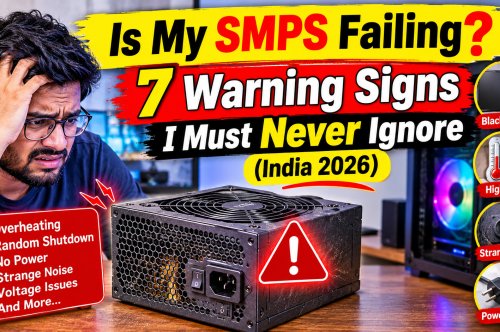



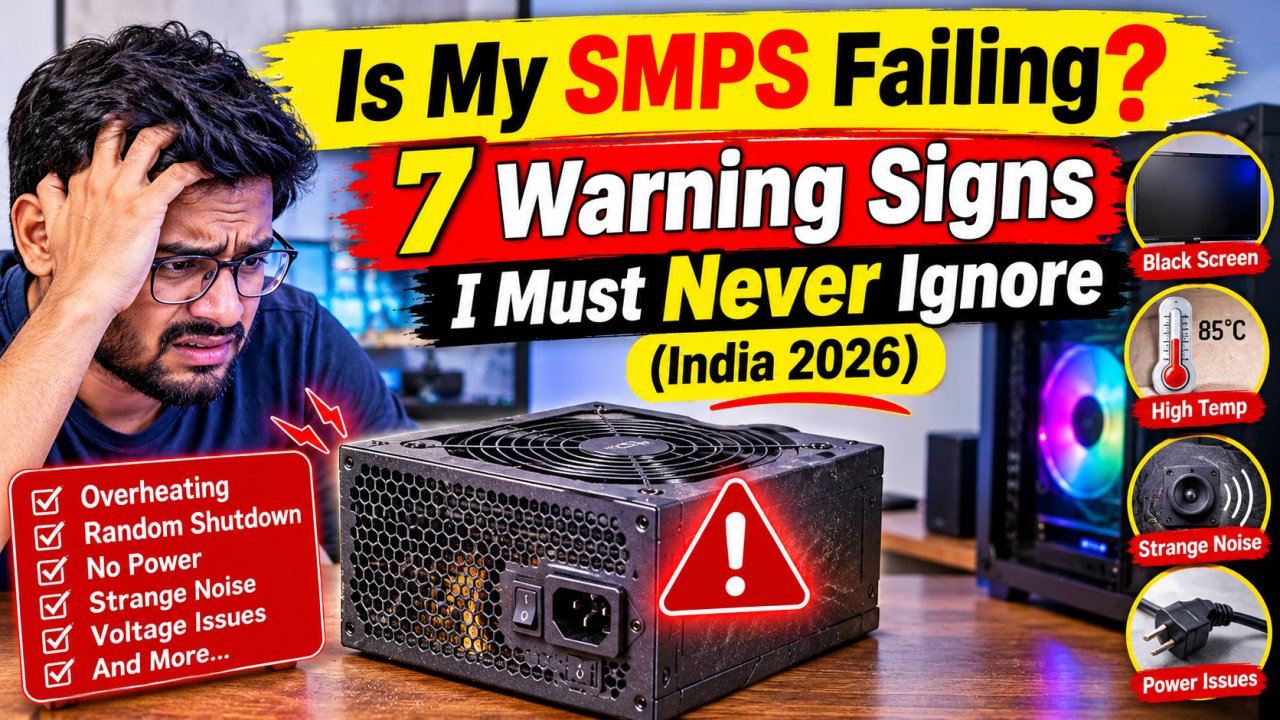
Is My SMPS Failing? 7 Warning Signs I Must Never Ignore (India 2026)
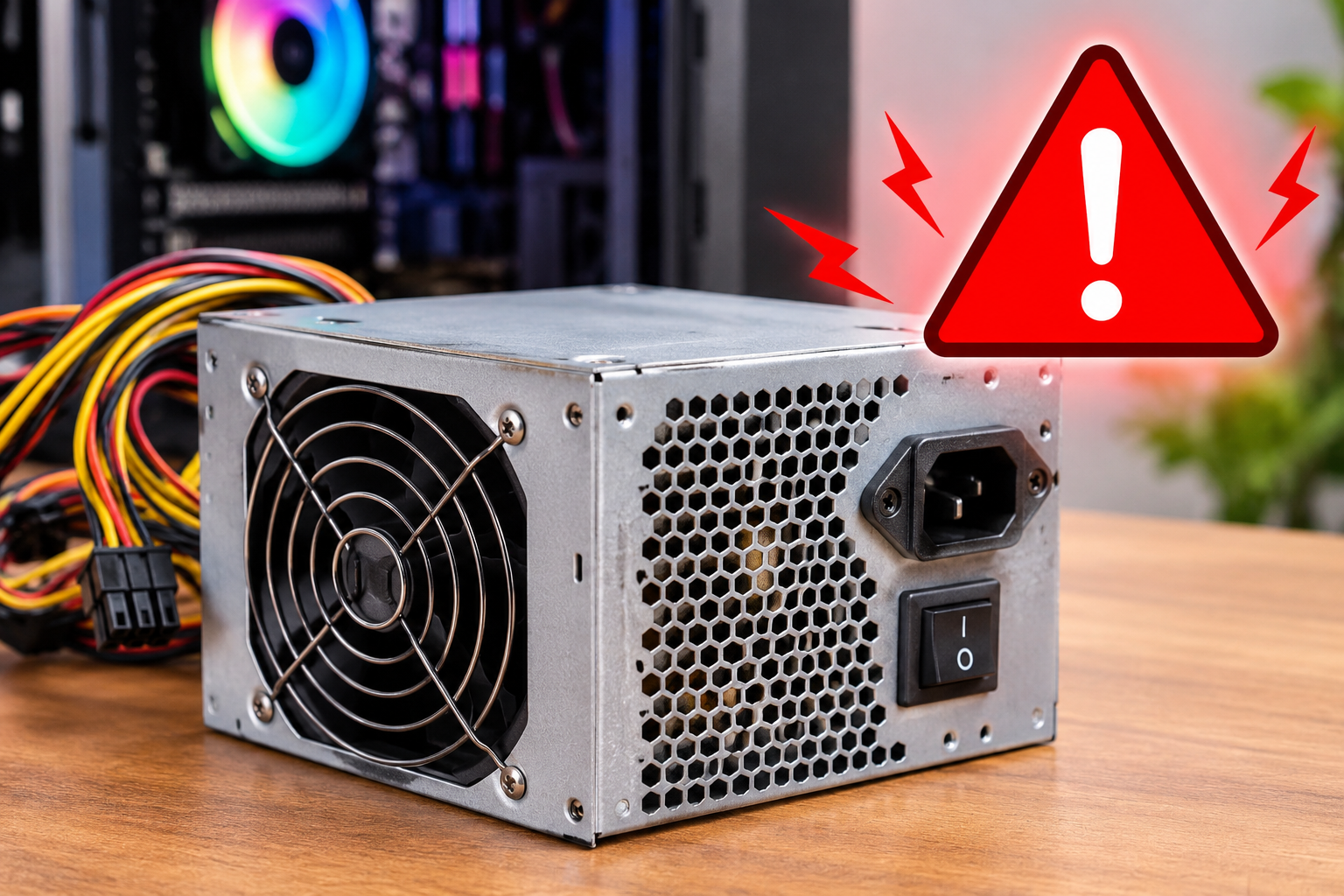
Most PC builders spend hours choosing the right GPU or CPU but pick the cheapest SMPS available — and forget about it completely once the system is running. That is a decision that can cost far more than the ₹500 saved at the time of purchase.
The power supply is the foundation of every PC. It is the single component that every other part depends on — from the processor to the graphics card to the SSD. When it starts to degrade, the damage does not stop at the SMPS itself. A failing unit can send unstable voltage through the system for weeks before the final collapse, silently destroying storage data, corrupting the operating system, and in serious cases permanently damaging components worth ₹20,000 to ₹40,000.
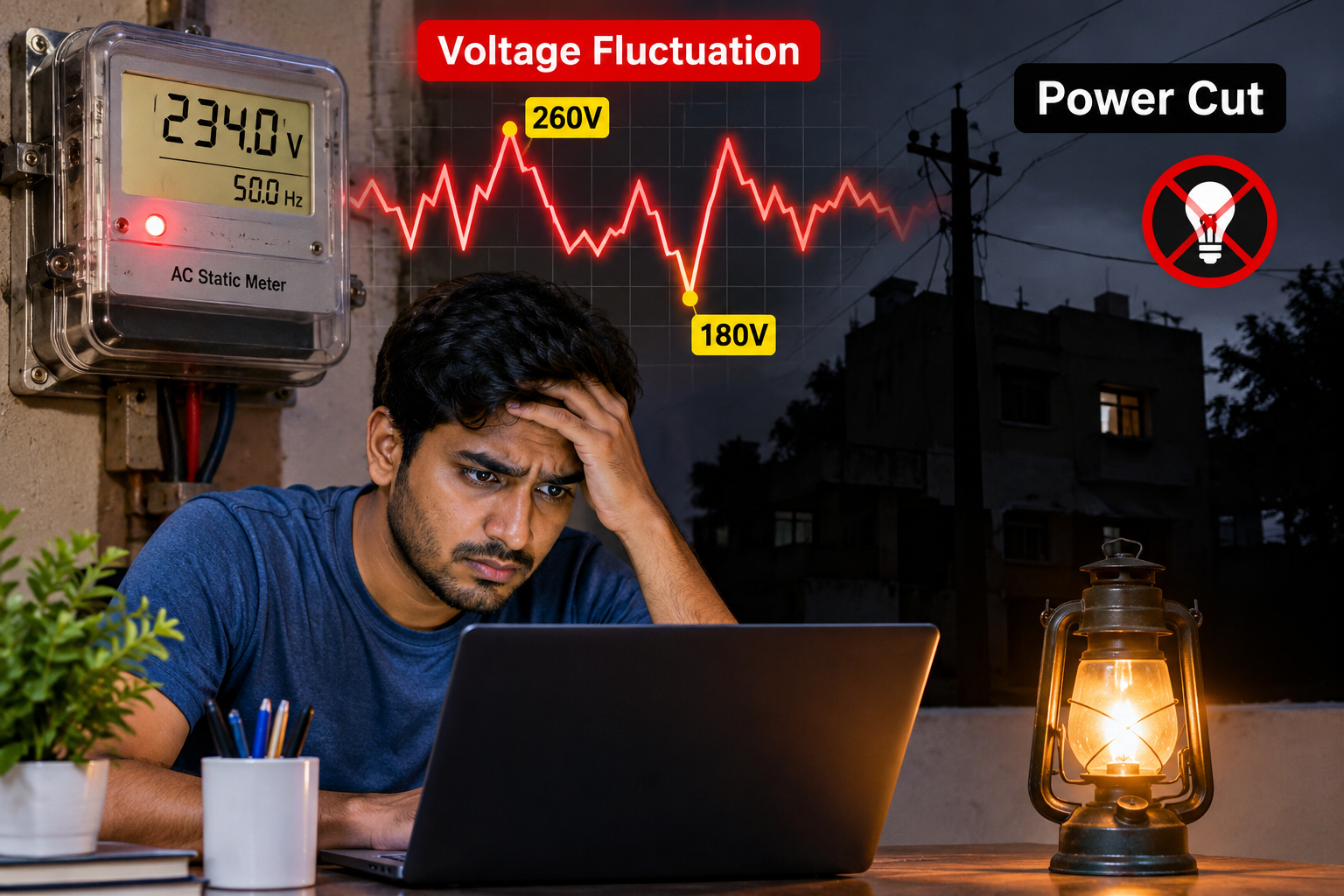
What makes SMPS failure particularly dangerous in India is how common early degradation is here. Voltage fluctuations during peak evening hours, the power surge that arrives every time electricity is restored after a cut, summer ambient temperatures pushing 40°C — all of these conditions stress the internal components of a power supply far harder than any warranty period accounts for.
The good news is that SMPS failure is almost never sudden. It announces itself — sometimes weeks in advance. This guide walks through seven specific warning signs to watch for, explains what is happening inside the unit when each symptom appears, and covers what to do before the situation becomes an expensive disaster.
⚡ Important for Indian PC Users
Most SMPS warranties cover manufacturing defects — not wear from power conditions. If a unit fails due to India's grid fluctuations, the replacement cost falls entirely on the owner. This makes early detection even more valuable. Catching the problem while the SMPS is the only casualty is far better than replacing it after it has taken other components along with it.
Sudden Shutdown With Zero Warning
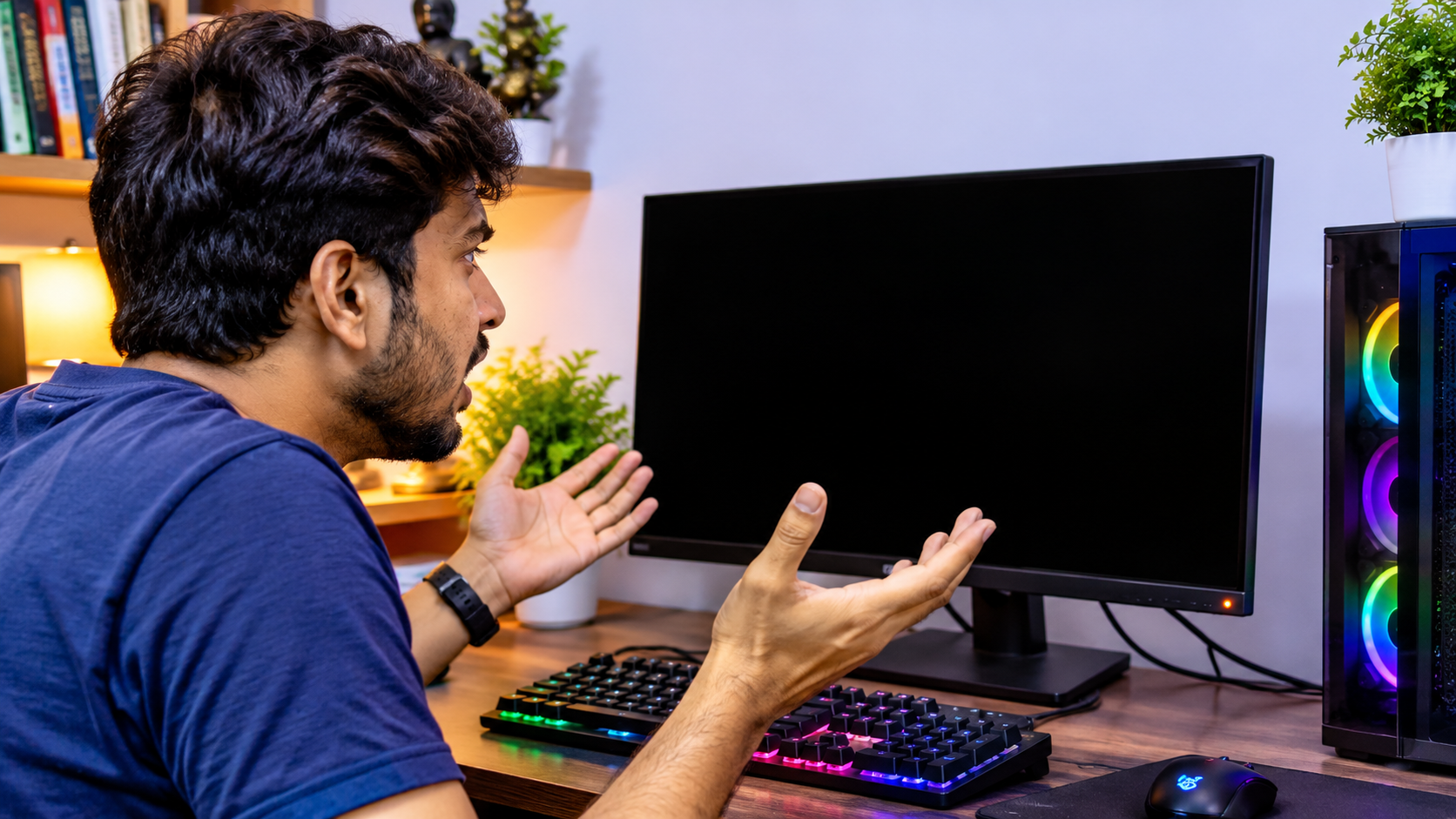
Everything is running normally — mid-game, mid-render, or simply a few hours into a work session — and then the screen goes black. No error message, no spinning wheel, no Windows crash screen. Just instant darkness, as though someone reached behind the cabinet and pulled the power cable out directly.
What Is Happening Inside the Unit
Every SMPS converts alternating current from the wall into the direct current components require — specifically the +12V rail that powers the GPU and CPU. This conversion depends on a bank of capacitors that smooth the electrical signal and absorb sudden demand increases. As these capacitors age, their ability to handle rapid load spikes weakens. When the GPU shifts from idle to full load in a fraction of a second — something that happens constantly during gaming — the aging capacitor bank cannot compensate fast enough. The output voltage drops below the minimum acceptable threshold, the motherboard's protection circuit detects this and triggers an emergency cutoff to prevent component damage. From the outside it looks like someone yanked the plug. From the SMPS side, the protection system worked — but the reason it needed to activate is the problem.
How to tell it apart from other causes:
- Overheating shutdowns arrive with performance throttling first — the PC slows before it stops, and high temperatures are present throughout the session
- RAM and driver failures almost always produce a Blue Screen before the restart
- Pure power delivery failure produces a clean, instant cutoff with no prior warning and no BSOD
My PC Needs Multiple Attempts to Start
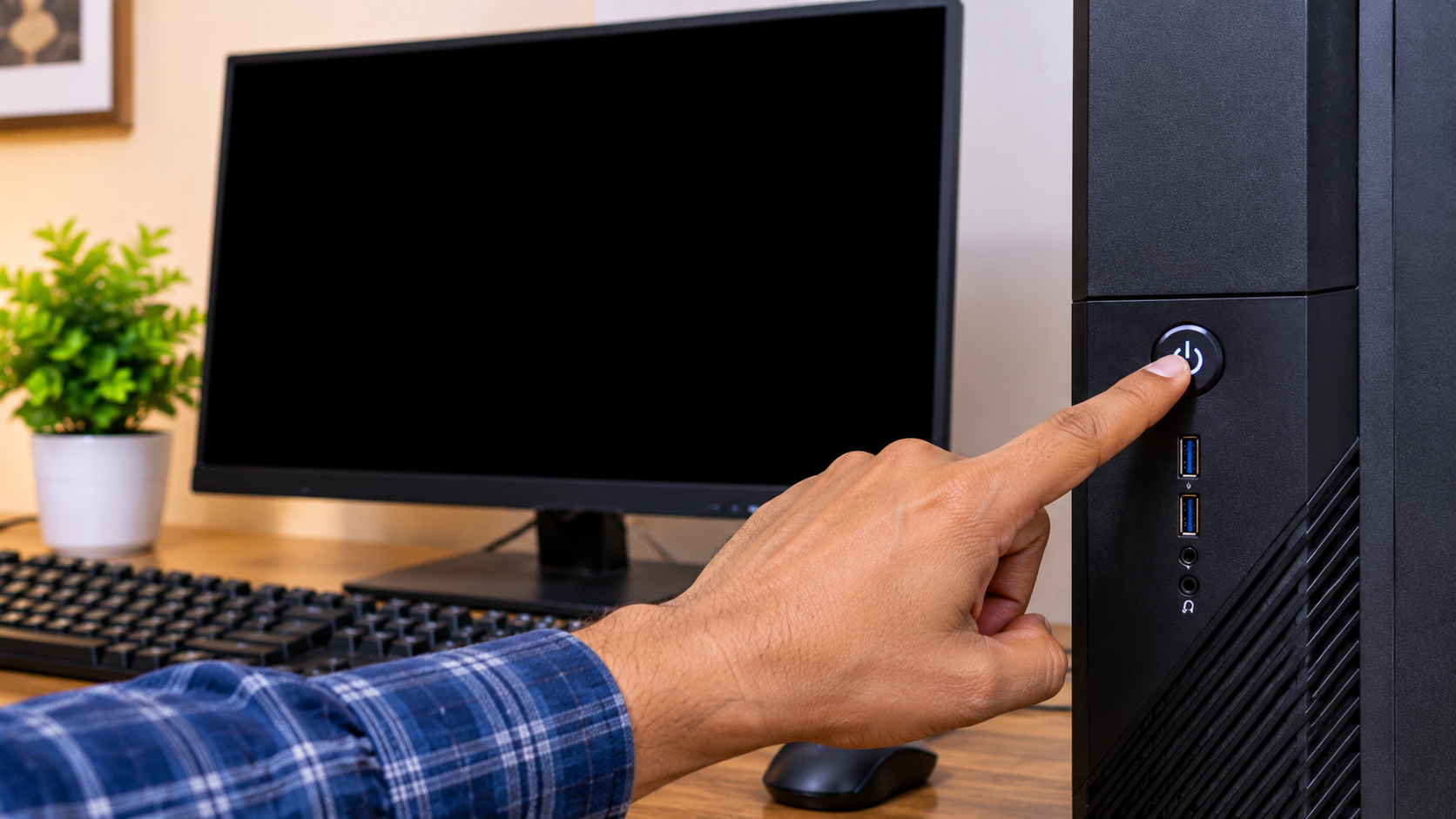
The power button is pressed in the morning and nothing happens. No fan movement, no POST beep, no sign of activity. A second attempt a few seconds later — still nothing. Third try — the system powers on and runs without a single issue for the rest of the day.
What Is Happening Inside the Unit
Startup places the highest instantaneous demand on a power supply. All components must receive their operating voltages simultaneously within a narrow time window. The SMPS must deliver power and generate a signal called Power Good within 100 to 500 milliseconds of the button being pressed. This signal tells the motherboard all voltages are stable and POST can begin. As electrolytic capacitors age, their internal resistance increases — they take longer to charge up to the required voltage levels when starting from cold. On some attempts they miss the Power Good timing window entirely; the motherboard aborts the boot sequence. On subsequent attempts, the capacitors may just barely pass the check and the system starts. Once running, they remain at operating charge and the PC performs normally all day — the problem only surfaces at cold start.
⚠ Why This Cannot Be Ignored
This failure pattern does not hold steady. Capacitor degradation is progressive. Within weeks to months the number of failed attempts increases until the PC stops starting entirely. Even before that point, every failed start exposes storage devices to partial voltage conditions — which carries its own data corruption risk over time.
New or Worsening Sounds From the Cabinet
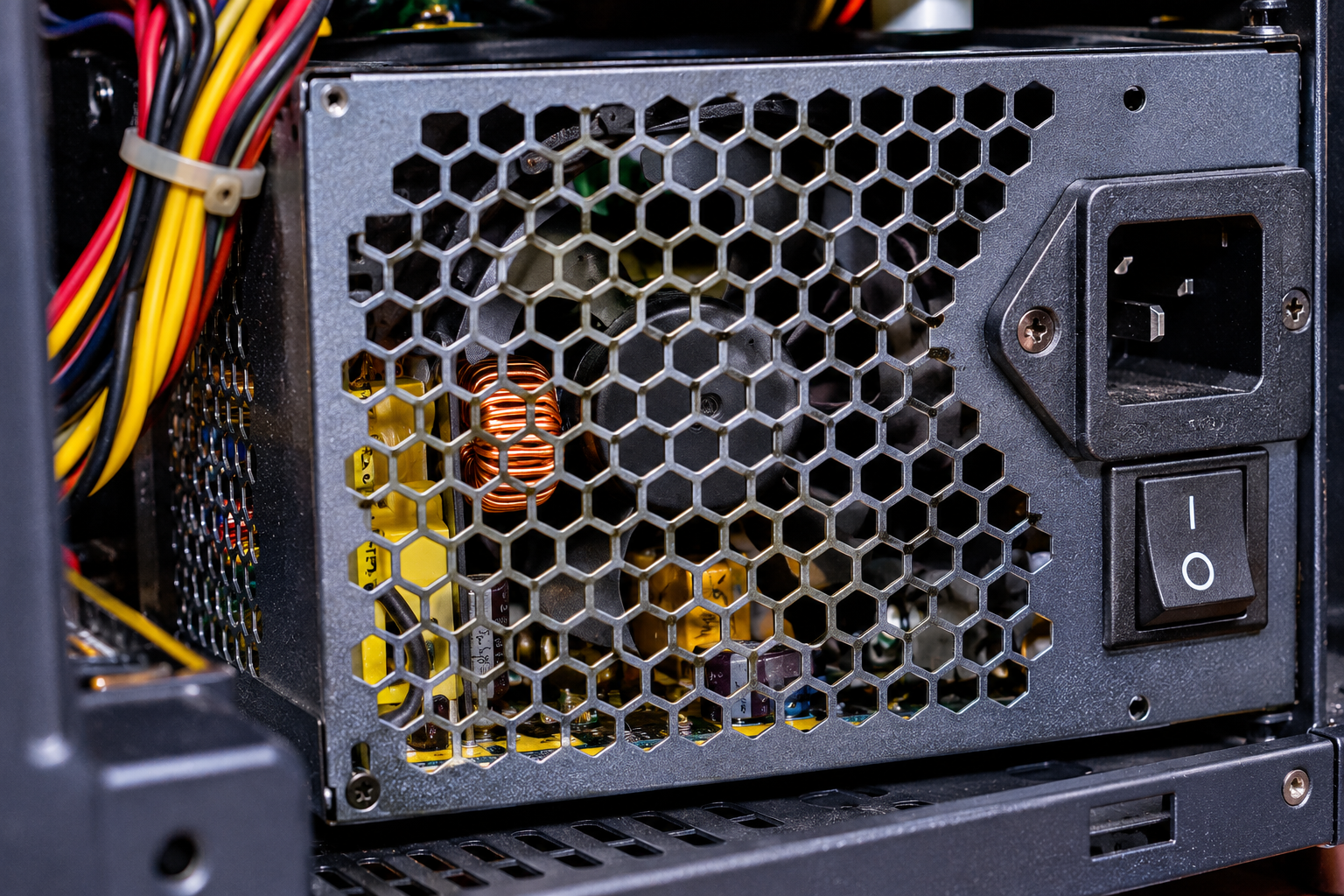
A properly functioning SMPS produces one sound: a soft, consistent fan hum that blends into the background. Any new sound — or a familiar sound that is getting progressively louder — is the unit communicating that something has changed physically inside.
What Each Sound Means
High-pitched whining (coil whine): Comes from magnetic inductors vibrating at audible frequencies. Some amount is normal in budget units from day one. The situation worth acting on is when this sound is new, measurably louder over recent weeks, or the pitch has shifted — physical changes in the inductor core alter the resonance characteristics as the unit ages.
Buzzing or humming (new development): Points to a component that has physically loosened on the circuit board — or more seriously, a capacitor that has begun to swell. When internal electrolyte degrades, gas builds up inside the aluminum casing and the top begins to dome outward. A swelling capacitor no longer sits flat and vibrates against surrounding components when current flows through it.
Clicking during operation: Points to a fan bearing that has worn down. When the bearing degrades, the fan blade wobbles slightly with each rotation and produces a rhythmic tick or click. A failing fan means the SMPS internals are no longer adequately cooled — which dramatically accelerates every other form of internal degradation.
Crackling, popping, or any smell accompanying a sound → Shut down immediately. These indicate electrical arcing — active component damage occurring inside the unit.
| Sound Type | Physical Cause | Urgency |
|---|---|---|
| High-pitched whine (always had it) | Inductor resonance — common in budget units | Monitor for change |
| Whine that is new or louder recently | Inductor core degrading with age | Replace in 2–3 months |
| Buzzing or humming (new) | Loose component or swelling capacitor | Replace within 30 days |
| Clicking during operation | Fan bearing failure, cooling compromised | Replace promptly |
| Crackling, popping, or smell | Arcing / active component failure | SHUT DOWN IMMEDIATELY |
BSODs, System Freezes, and Corrupted Files
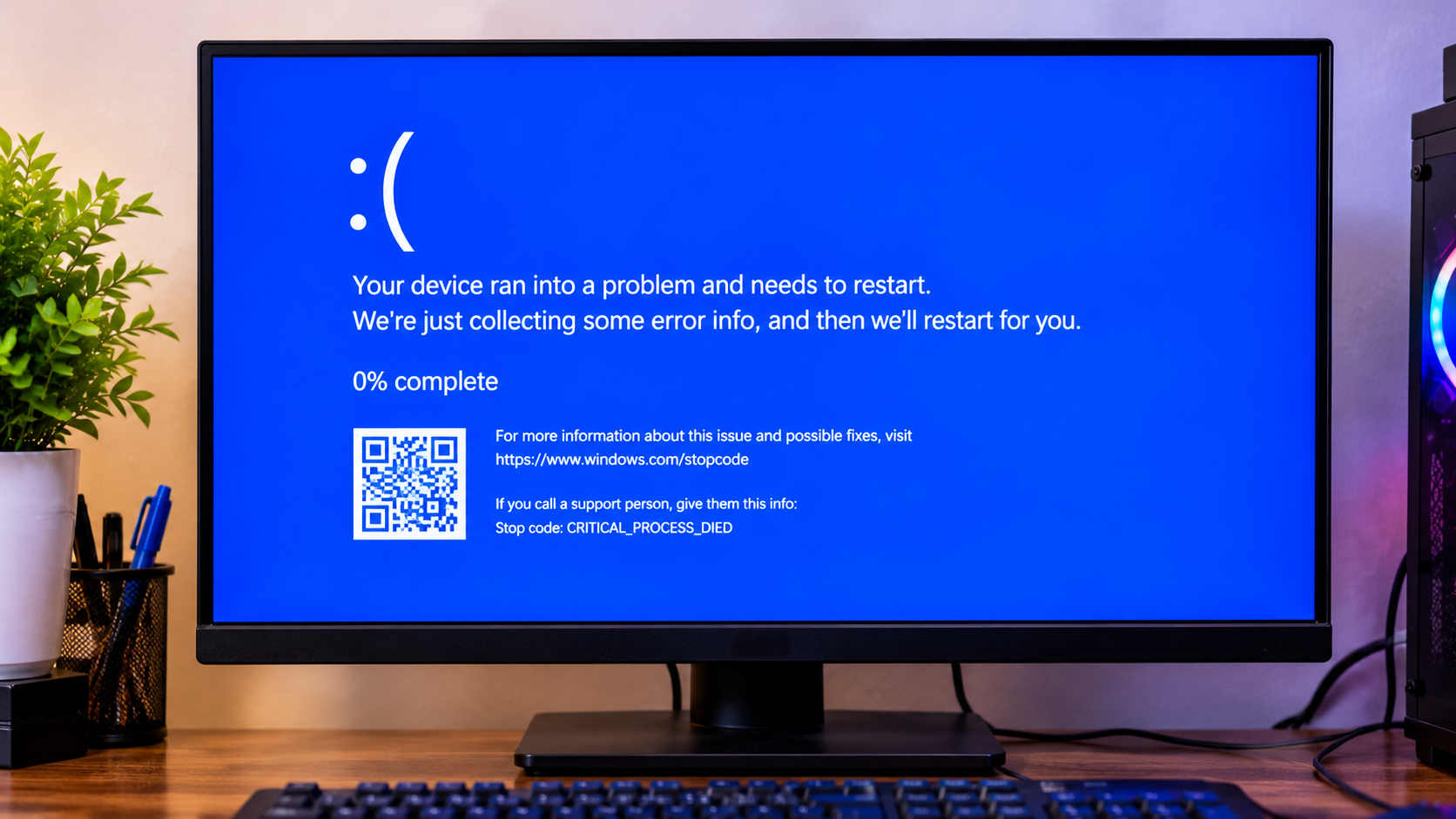
Intermittent system instability is one of the most frustrating PC problems to work through because it looks identical to a software or driver issue on the surface. Blue Screens appearing without warning, the display freezing with nothing responding, files becoming corrupted for no obvious reason, and Windows installations that develop problems within days of a fresh reinstall — all of these scenarios can originate from an unstable power supply.
The Electrical Mechanism
Every component in a PC operates within a defined voltage tolerance. DDR4 memory functions at 1.2 volts and tolerates fluctuations of only a few percent in either direction. Modern processors require their supply voltage to remain within a similarly tight band to execute instructions correctly. When an aging SMPS delivers power that swings outside these tolerances — too high, too low, or inconsistently — the results appear as errors that look exactly like software problems but keep returning regardless of how many times the operating system is reinstalled.
File corruption follows a specific sequence: the SMPS delivers a voltage dip while the storage device is mid-write. The write operation is interrupted and left in a partial state — data recorded in a corrupted or incomplete form. If this happens to a Windows system file, the OS becomes unstable. Reinstalling Windows replaces those files temporarily, but as long as the SMPS continues delivering unstable power, the new installation develops identical problems within days or weeks.
Blue Screen codes that appear specifically in connection with SMPS failures:
- Event ID 41, Kernel-Power in Windows Event Viewer — the system lost power without an orderly shutdown
- WHEA_UNCORRECTABLE_ERROR — hardware-level error that frequently involves unstable processor voltage
- CRITICAL_PROCESS_DIED — when no recent software changes, driver updates, or new hardware were installed
My PC Is Fine at Idle but Crashes Under Load
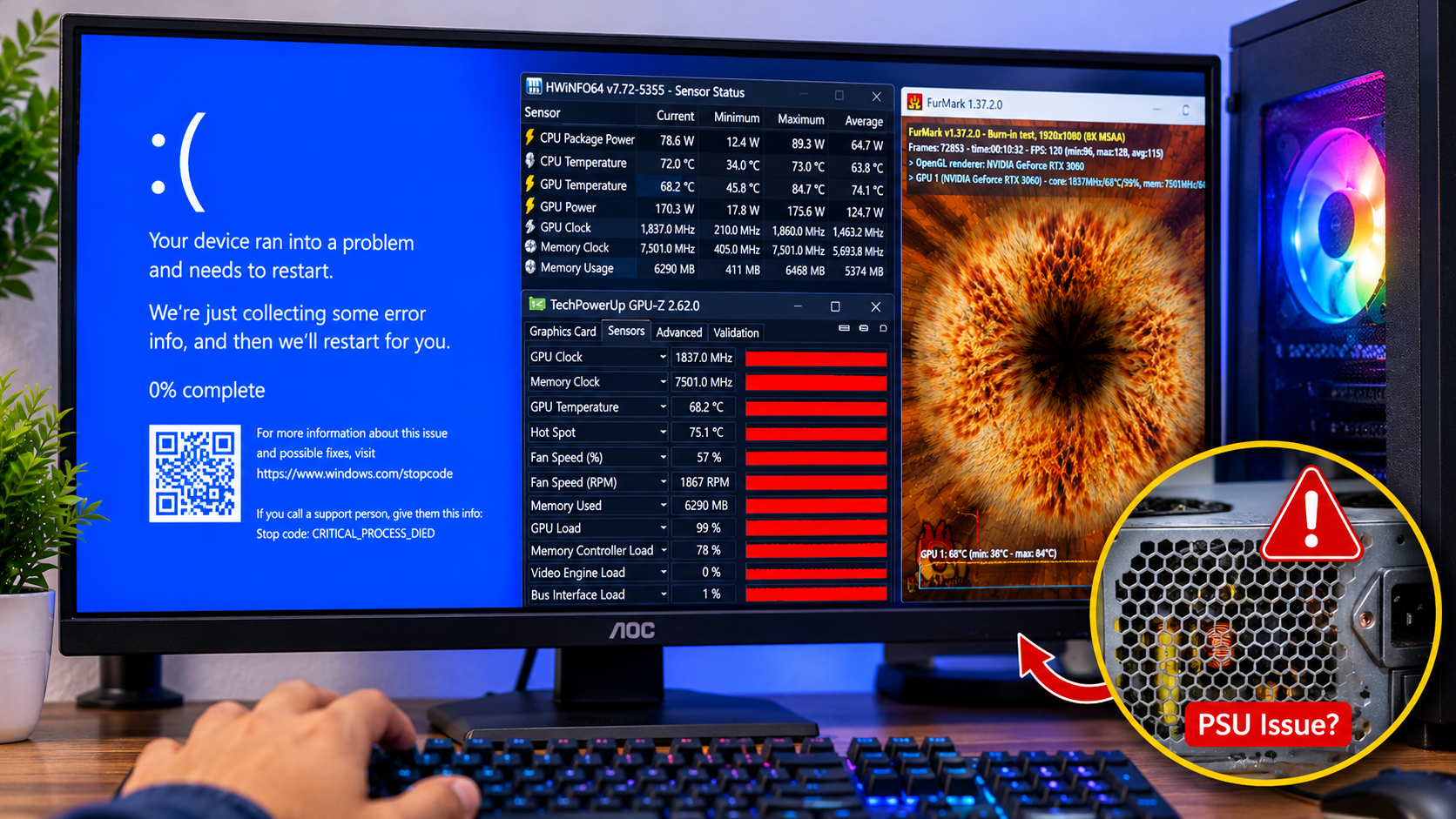
The PC handles everything during light use — documents, video playback, web browsing — completely stable. Launch a game, start a render, or run any task that pushes the hardware to work at full capacity, and the system either crashes, restarts, produces display artifacts, or stutters severely enough to make the task impossible.
Why This Pattern Points Directly at the SMPS
At desktop idle, a mid-range gaming PC draws between 60 and 110 watts from the power supply. When a game launches and the GPU begins rendering at full speed, that demand can jump to 300 watts or beyond within fractions of a second. The speed of this transition is what exposes a failing SMPS.
A healthy power supply uses its control circuitry and capacitor bank to absorb this transient load increase — delivering smooth, consistent voltage throughout the transition. An aging unit with degraded capacitors cannot respond quickly enough. For a brief window during the transition, the output voltage drops below the ATX specification tolerance. This triggers the motherboard's protection circuits or causes the GPU to signal a power fault, producing a crash or restart.
✅ Free Diagnostic Test
Download FurMark (GPU stress test — free) and Prime95 (CPU stress — free). Run both simultaneously for 10 to 15 minutes with HWiNFO64 open in the background tracking temperatures. If the PC crashes while GPU is below 83°C and CPU is below 80°C, the SMPS is the strongest suspect.
Burning Smell or Visible Physical Damage
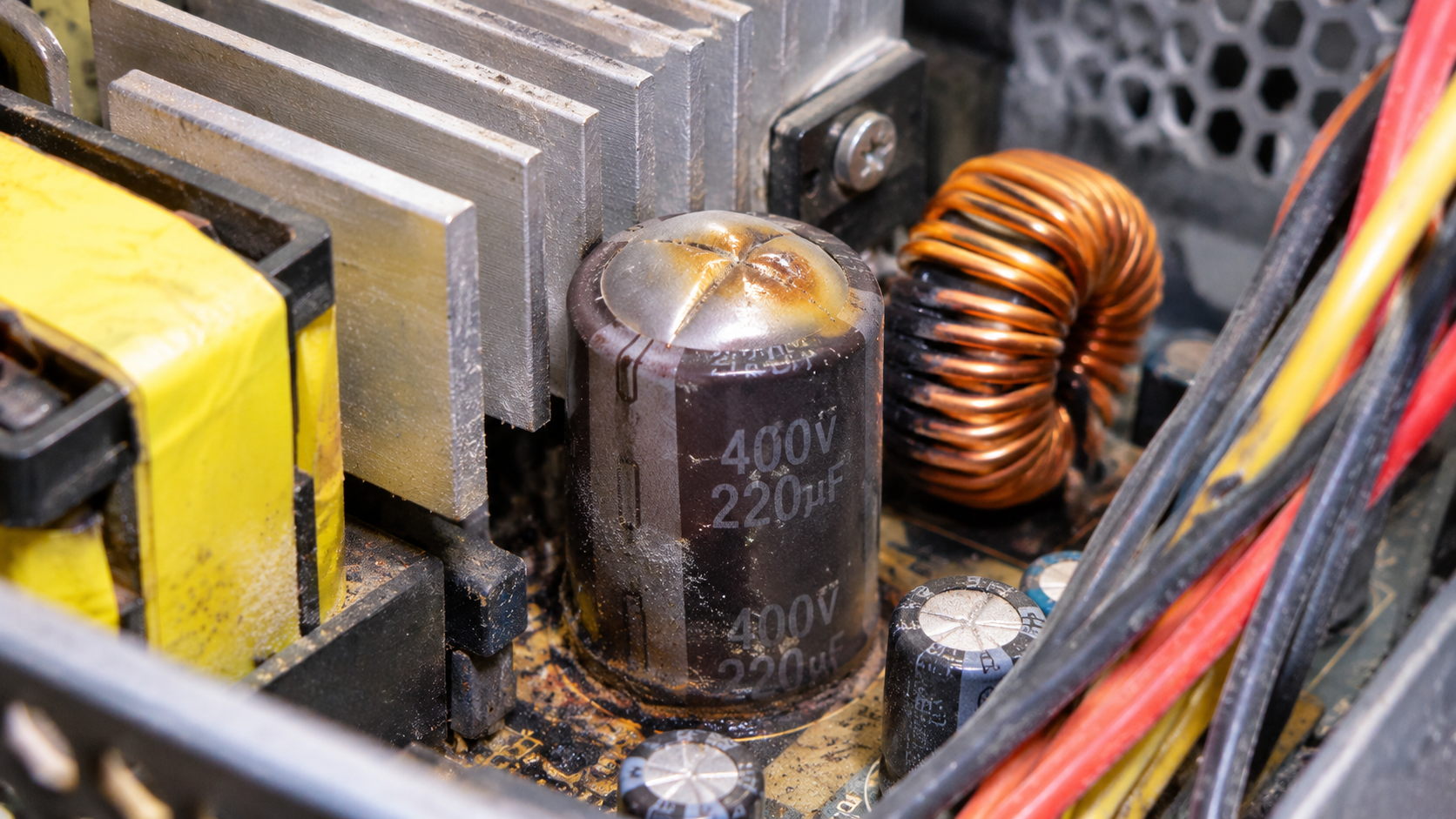
This warning sign carries no ambiguity. A sharp, chemical burning odor from the PC cabinet — particularly after extended sessions or immediately after powering on — requires an immediate response. Stop using the system and unplug the power cable from the wall socket.
What Produces the Smell
As electrolytic capacitors approach end of service life, the electrolyte inside undergoes chemical breakdown and produces hydrogen gas. When internal pressure builds sufficiently, the capacitor vents through a pressure relief point on its top. The electrolyte vapor carries a distinctive chemical odor — sharp and acrid, clearly different from the normal warm electronics smell of a running PC. When the cabinet is opened after detecting this smell, inspect the cylindrical capacitors visible through the SMPS vent grille. A healthy capacitor has a perfectly flat top. A venting or failed capacitor will have a dome-shaped or distinctly raised top, sometimes with dark dried residue around the vent point.
Dark brown or black discoloration on the PCB, melted plastic on connector housings, or scorch marks on the outer casing all indicate a component has already experienced a thermal event.
Steps to follow immediately:
- Press and hold the power button for five to eight seconds to force a hardware shutdown
- Switch off the power strip or unplug the cable from the wall socket — the rear panel switch does not remove standby voltage from capacitors
- Leave the system unplugged for a minimum of 30 minutes before opening the cabinet
- Inspect the SMPS through the rear vent for bulging capacitor tops, discoloration, or residue
- Do not power the system on again until the SMPS has been physically replaced
My SMPS Is Old — The Silent Killer Nobody Talks About
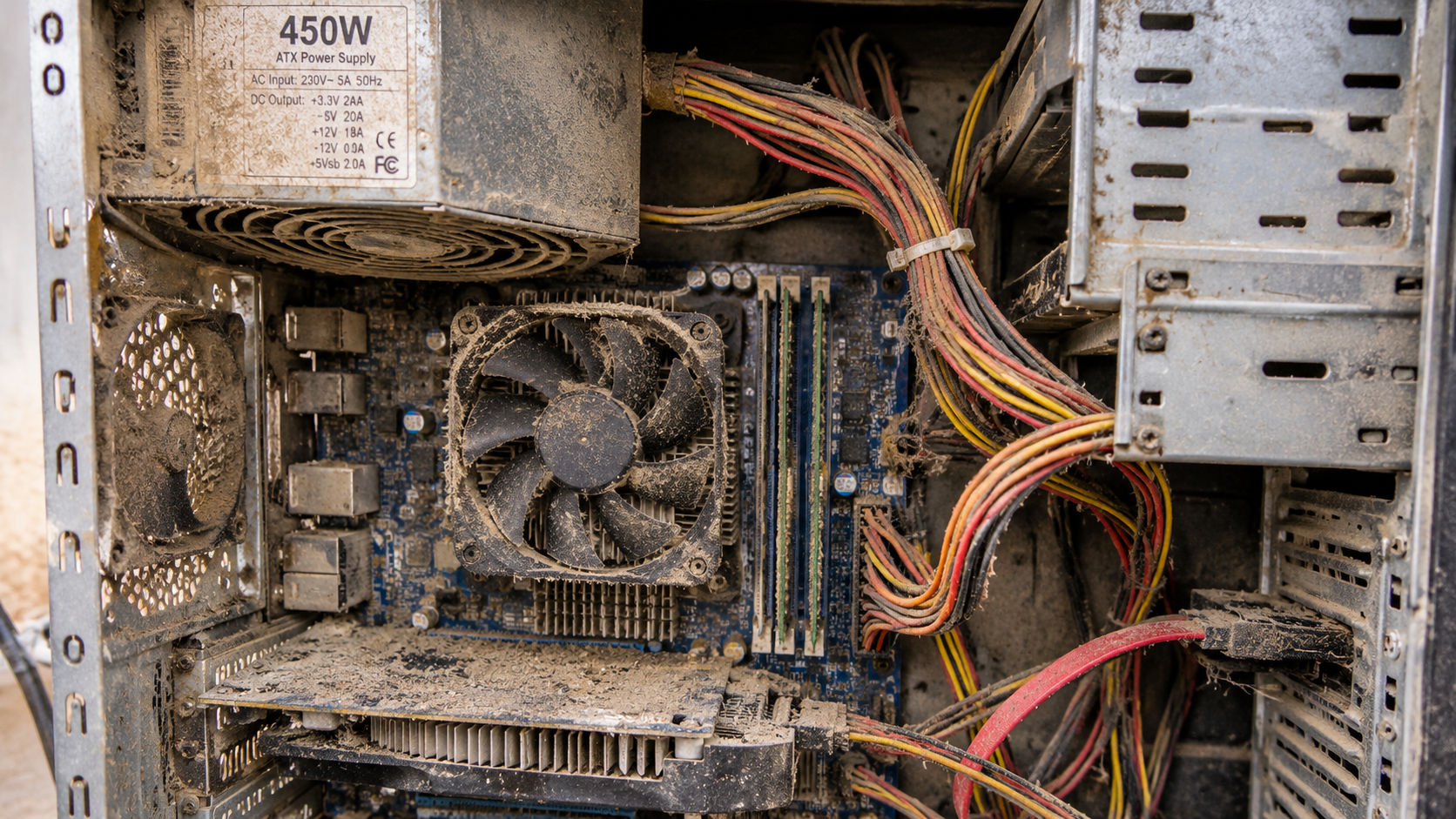
This final sign produces no crash, no smell, no abnormal noise. It is the quiet chemical degradation of time and operating conditions — and in India, this process runs faster than the published specifications of most SMPS units reflect.
The Science Behind Capacitor Aging
Every electrolytic capacitor carries a rated lifespan at a specific reference temperature — commonly 85°C internal. For every 10°C rise in operating temperature above that reference point, the reaction rate approximately doubles and the lifespan roughly halves. A capacitor rated for 5,000 hours at 85°C internal temperature will last approximately 2,500 hours at 95°C, 1,250 hours at 105°C, and so on.
In a room at 38°C during an Indian summer, with the SMPS drawing in warm cabinet air, internal temperatures 25 to 30°C above ambient are typical. Layered on top of this thermal stress is the electrical stress from grid conditions — voltage swinging between 190V and 250V, transient spikes when power is restored after a cut, and the cumulative effect of thousands of brief overvoltage and undervoltage events accumulating over years.
Realistic SMPS service life under Indian conditions:
| Daily Usage | Hours Per Year | Expected Life (India) |
|---|---|---|
| Casual (2–3 hrs/day) | 700–900 hrs | 7–10 years |
| Regular Gamer (4–6 hrs/day) | 1,500–2,000 hrs | 4–6 years |
| Heavy User (8–10 hrs/day) | 3,000–3,600 hrs | 2–4 years |
| Professional (12+ hrs/day) | 4,000+ hrs | Under 3 years |
If your SMPS is approaching or beyond the 4-year mark with regular to heavy usage, it is in the zone of elevated failure risk. A ₹3,500 to ₹5,500 preventive replacement during this window is a significantly better outcome than a reactive ₹30,000 GPU replacement following a failure event.
Quick Diagnosis Reference
Match your symptom to find the root cause and recommended action.
| Symptom | Root Cause | Risk Level | Action |
|---|---|---|---|
| Instant shutdown during gaming, no BSOD | Voltage sag on +12V rail under load | Very High | Stress test; replace if confirmed |
| Fails to start on first attempt | Capacitor ESR too high for cold start | High | Plan replacement within 60 days |
| Burning smell detected | Capacitor venting or component failure | Immediate | Shut down; replace before next use |
| New buzzing or humming sound | Swelling capacitor or loose component | High | Replace within 30 days |
| Continuous clicking during operation | Fan bearing failure, cooling compromised | High | Replace promptly |
| BSODs — Kernel-Power or WHEA errors | Unstable voltage causing hardware errors | High | Rule out RAM with MemTest86 first |
| File corruption after fresh OS install | Dirty power interrupting storage writes | High | Test under sustained load |
| Stable idle, crashes under gaming load | Capacitors fail on transient load demand | Very High | FurMark + Prime95 combined test |
| SMPS over 4 years old, used heavily | Capacitor aging from heat and conditions | Moderate | Preventive replacement recommended |
🛒 Replace It Before It's Too Late
All options below are available on InfotechKart — covering entry-level replacements through certified 80 Plus Bronze units for gaming builds. Add prices and links once products are listed on the site.
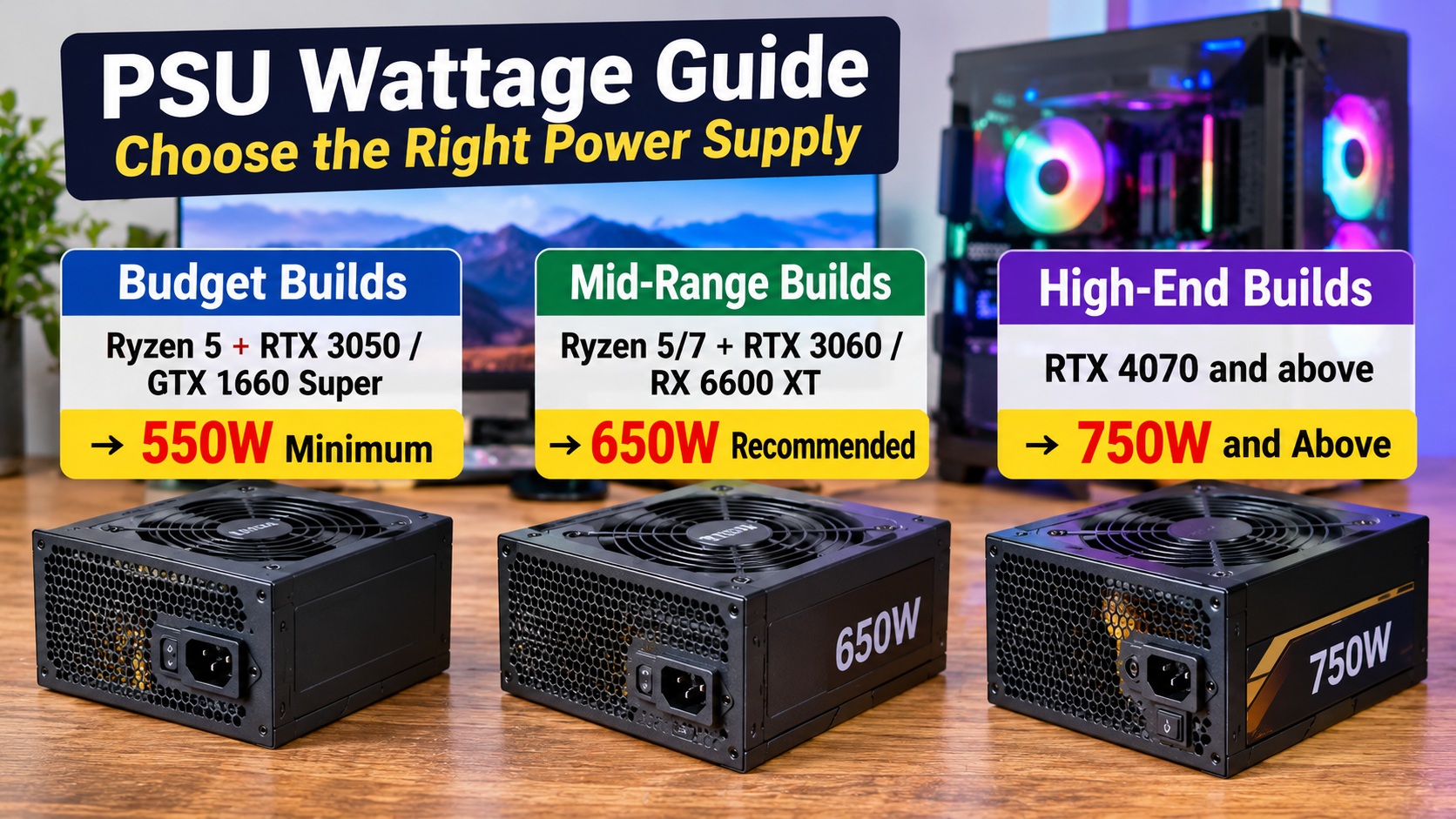
Budget Builds
Ryzen 5 + RTX 3050 / GTX 1660 Super
→ 550W minimum
Mid-Range Builds
Ryzen 5/7 + RTX 3060 / RX 6600 XT
→ 650W recommended
High-End Builds
RTX 4070 and above
→ 750W and above
| # | Product | Watts | Rating | Price | Buy |
|---|---|---|---|---|---|
| 1 | 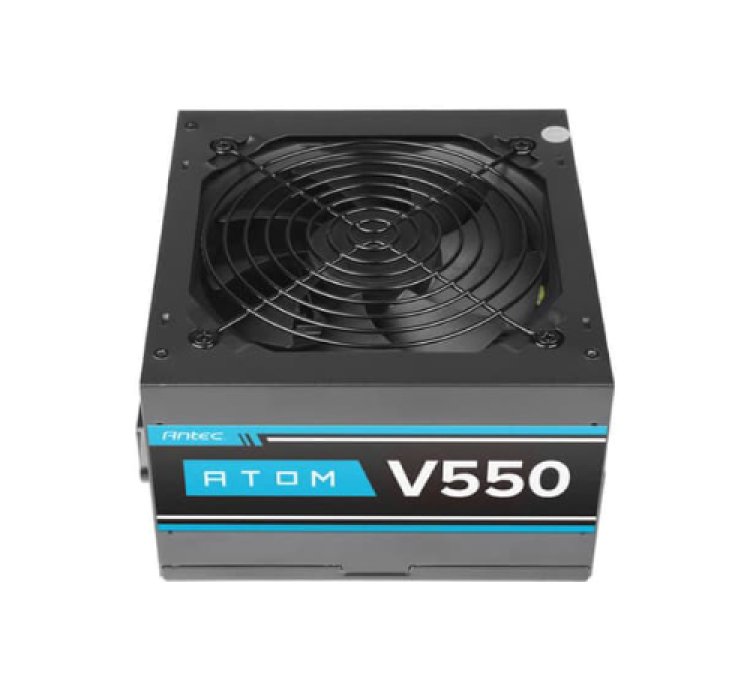 Antec Atom V2 550 Watt Non-Modular Desktop SMPS |
550W | Standard | ₹2,150 | Buy Now |
| 2 |  ANT Esports VS550L 550 Watt Value Series SMPS |
550W | Standard | ₹2,400 | Buy Now |
| 3 |  ANT Esports RX550 550 Watt 80 Plus Bronze Certified SMPS |
550W | 80+ Bronze | ₹3,000 | Buy Now |
| 4 |  MSI MAG A500N-H 500 Watt Non-Modular SMPS |
500W | 80+ Bronze | ₹3,230 | Buy Now |
| 5 |  ANT Esports RX650 650 Watt 80 Plus Bronze Certified SMPS |
650W | 80+ Bronze | ₹3,480 | Buy Now |
| 6 |  DeepCool PL550D 550 Watt ATX 3.1 Bronze Rated SMPS |
550W | 80+ Bronze | ₹3,950 | Buy Now |
| 7 |  MSI MAG A550BN 550 Watt 80 Plus Bronze SMPS |
550W | 80+ Bronze | ₹4,150 | Buy Now |
| 8 |  Cooler Master MWE V3 550 Watt ATX 3.1 Bronze SMPS |
550W | 80+ Bronze | ₹4,490 | Buy Now |
| 9 |  MSI MAG A650BN 650 Watt 80 Plus Bronze SMPS |
650W | 80+ Bronze | ₹4,950 | Buy Now |
| 10 |  Cooler Master MWE V3 650 Watt ATX 3.1 Bronze SMPS |
650W | 80+ Bronze | ₹5,490 | Buy Now |
Frequently Asked Questions

Don't Wait for a Failure Event
My SMPS works silently until the moment it cannot. The difference between catching a failing unit early and discovering the problem after component damage is simply knowing what to look for — and acting on it. All certified SMPS units listed in this guide are available on InfotechKart with manufacturer warranty and delivery across India.
Shop All SMPS on InfotechKart →